Server owner guide
How to add maps without hurting performance
Adding interiors shouldn't cost your players FPS. Four simple checks, no map-making knowledge required, keep your server smooth as your city grows.
Buy optimized, not just pretty
Screenshots don't show performance. A well-made map keeps the interior itself light, with clean geometry and sensible texture sizes, and ships proper LODs for the exterior. A poorly optimized one drops FPS for every player on your server, and you can't fix it yourself afterwards.
Only run what you use
Every started map consumes streaming memory on every client. If an interior isn't part of your current server setup, remove its ensure line instead of letting dead weight pile up.
One area, one map
If two resources contain a file for the same building, FiveM simply loads one of the two. You don't control which one wins, so the version your players get may not be the one you installed last. Keep one map per location, and one copy per resource.
Measure before and after
Stand at the location and note your FPS. Install the map on a test server, then compare at the same spot and time of day. A well-optimized MLO should cost little to nothing.
What "optimized" actually means
- Exterior LODs: lightweight distant versions of the building's exterior, so it stays cheap to render from far away.
- Real collisions: every wall and prop is physically solid. No falling through floors, no bullets passing through walls.
- Clean geometry: no wasted polygons or oversized textures eating memory for detail nobody sees.
These are baked in when the map is built and can't be patched in afterwards. Every Dolu Mods map ships with custom exterior LODs, advanced collisions and clean geometry, tested on busy servers.
Maps built for busy servers
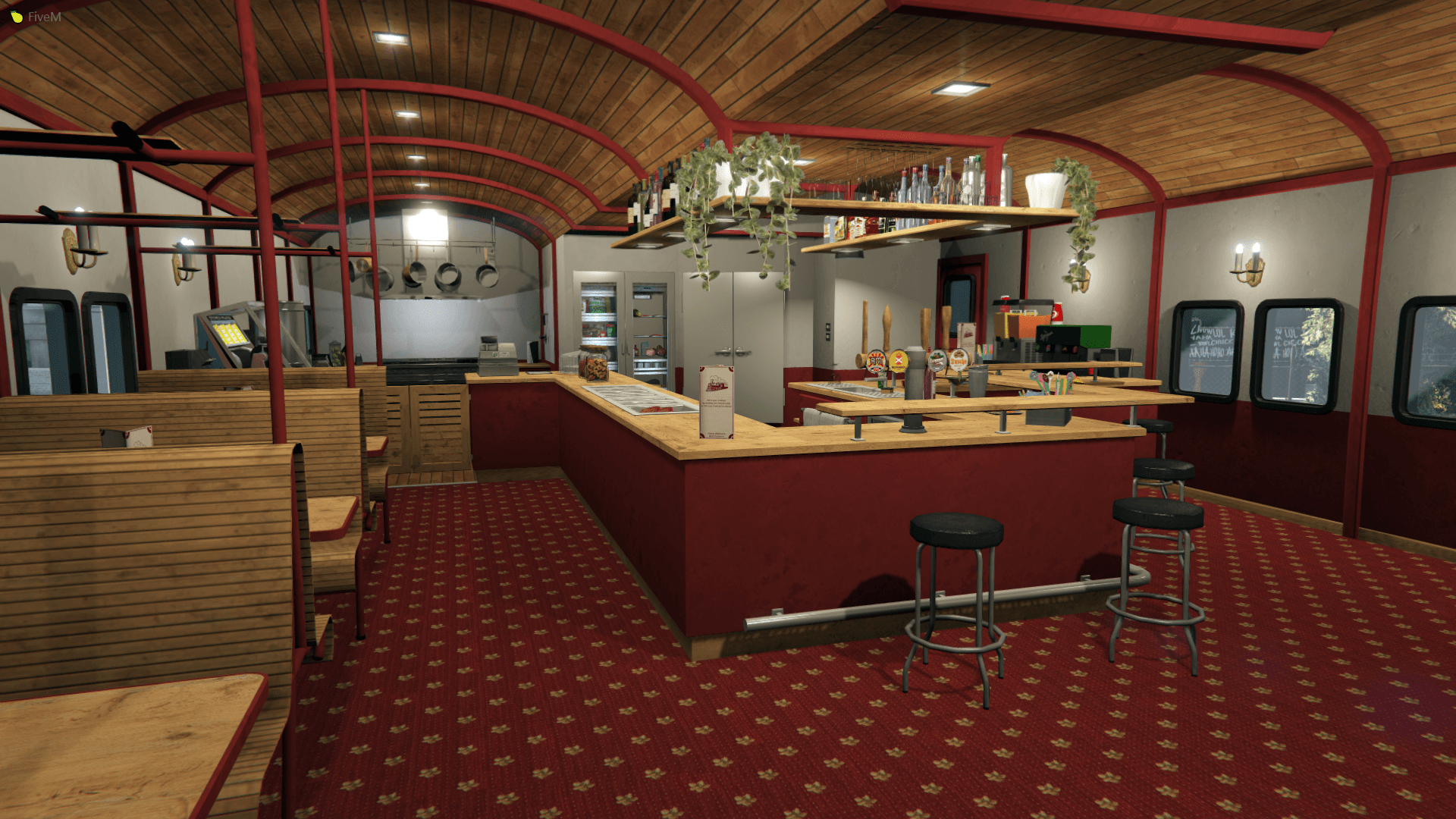
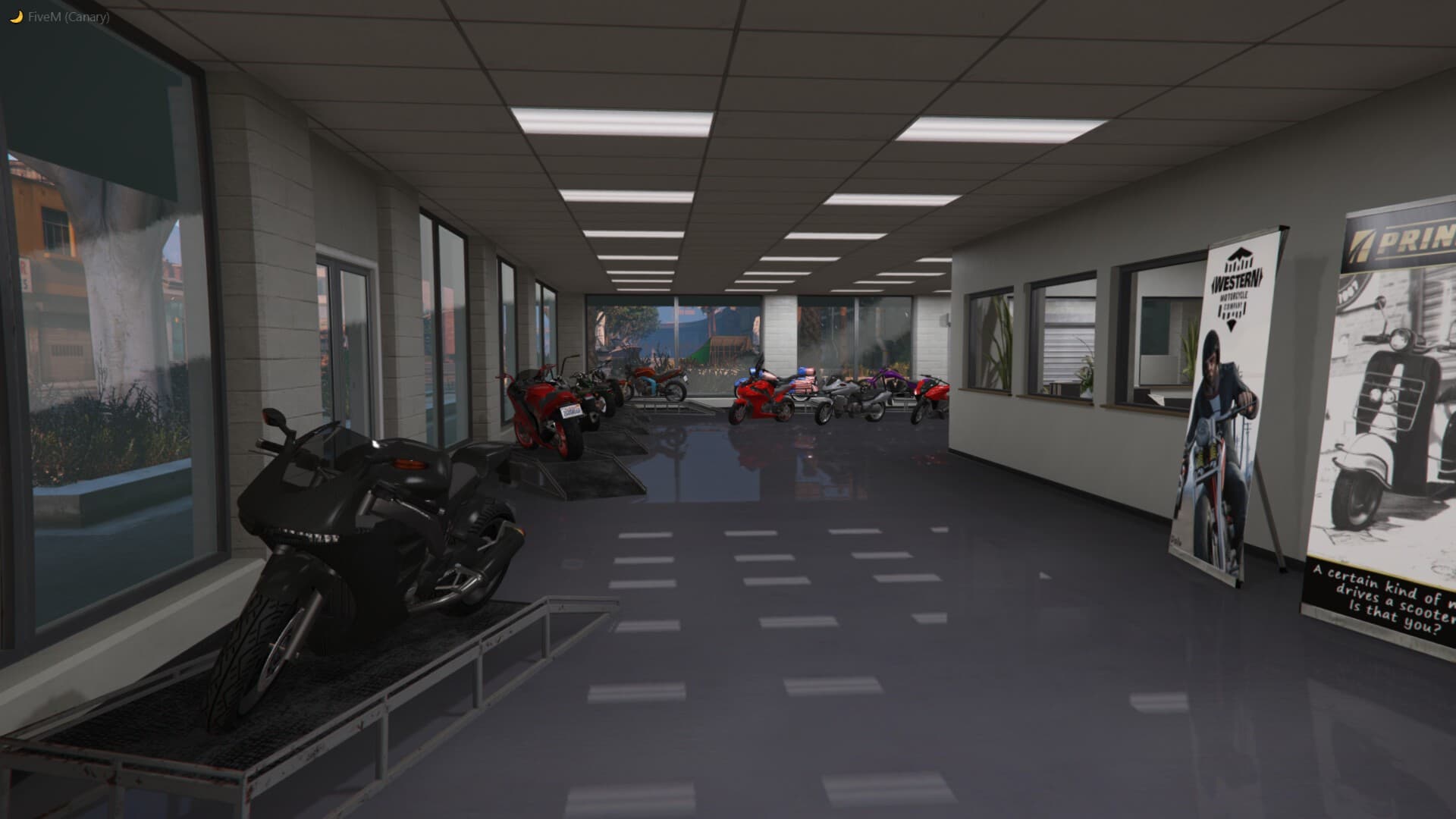
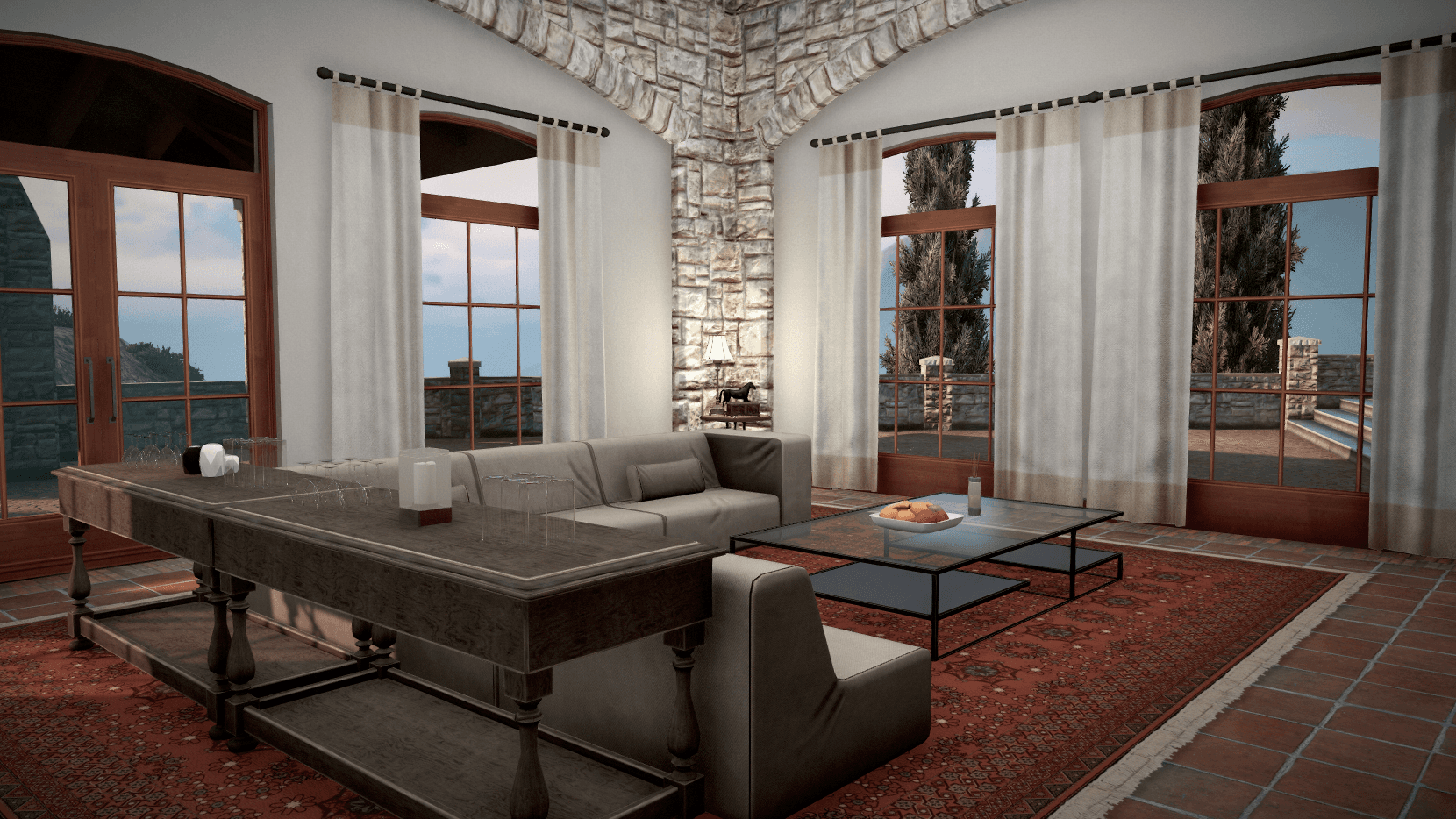
Custom exterior LODs, advanced collisions and clean geometry come standard.
Next guide
How to install a FiveM MLO without errors
Buying decision
Subscription vs standalone: the live numbers