Installation guide
How to install a FiveM MLO without errors
First server or fiftieth resource, the process is the same. Follow the steps below and your map loads on the first restart.
In a hurry?
Keymaster download → drop into resources/ → keep all names as shipped → one copy only → ensure resource_name → full restart. That's the whole job. Details below if anything fails.
Step by step
- Download from the Cfx.re portal (Keymaster)
After checkout, the asset appears automatically in your granted assets on portal.cfx.re. Use the same Cfx.re account that owns your server's license key: granted assets are tied to that account.
- Extract it into your resources folder
Unzip the download and copy the resource folder into your server's resources directory. Grouping folders with brackets, like [maps], are fine: FiveM scans them automatically.
- Keep every name exactly as shipped
Don't rename the folder or any file inside it. Original names keep your server.cfg reference valid, and they make every future update a simple drag-and-drop replace.
- Make sure the resource exists only once
Search your whole resources tree before restarting. If the same resource sits in two different places, FiveM loads one of the two copies and you don't control which. That's the classic "my update changed nothing" bug.
- Start it from server.cfg
Add an ensure line with the exact folder name (for example: ensure dolu_map). A typo here means the map silently never loads.
- Restart the server fully
A clean restart is more reliable than a live refresh for streamed map data. Then check the server console: fix any error mentioning the resource name before going further.
- Verify in game
Walk to the location and check that the interior appears, and that doors and collisions work. If the building is there but the interior is invisible, the resource almost certainly isn't started.
Common mistakes
- Renaming the resource folder: it breaks the server.cfg reference and makes future updates painful.
- The same resource in two places under resources/: FiveM loads one of the copies, and it may not be the one you updated.
- A typo in the ensure line: the map never starts, with no obvious error in game.
- Using a different Cfx.re account than your server's license key: the asset won't stream.
Still stuck? Ask on Discord. Support is part of the product.
Put it into practice
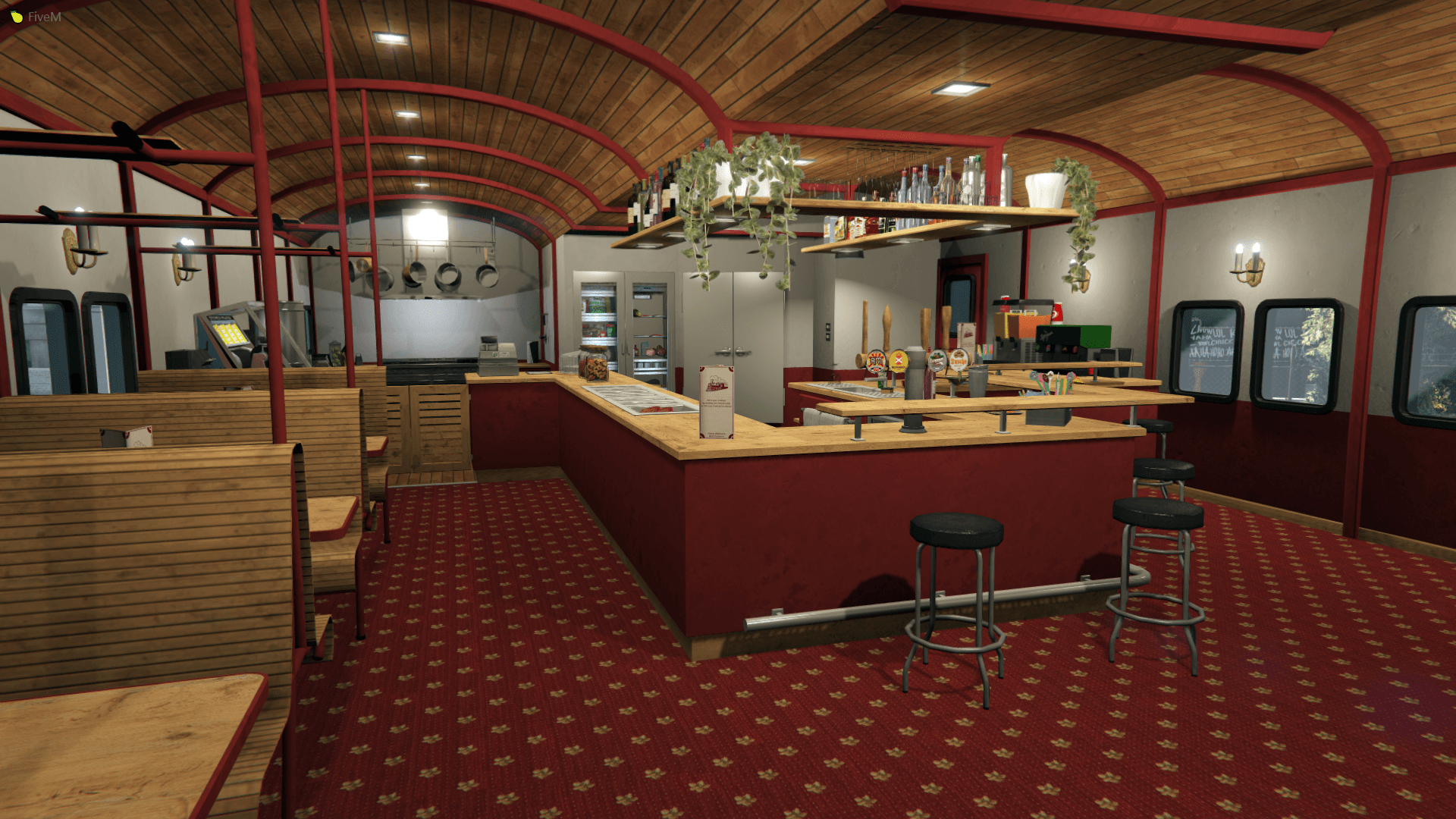
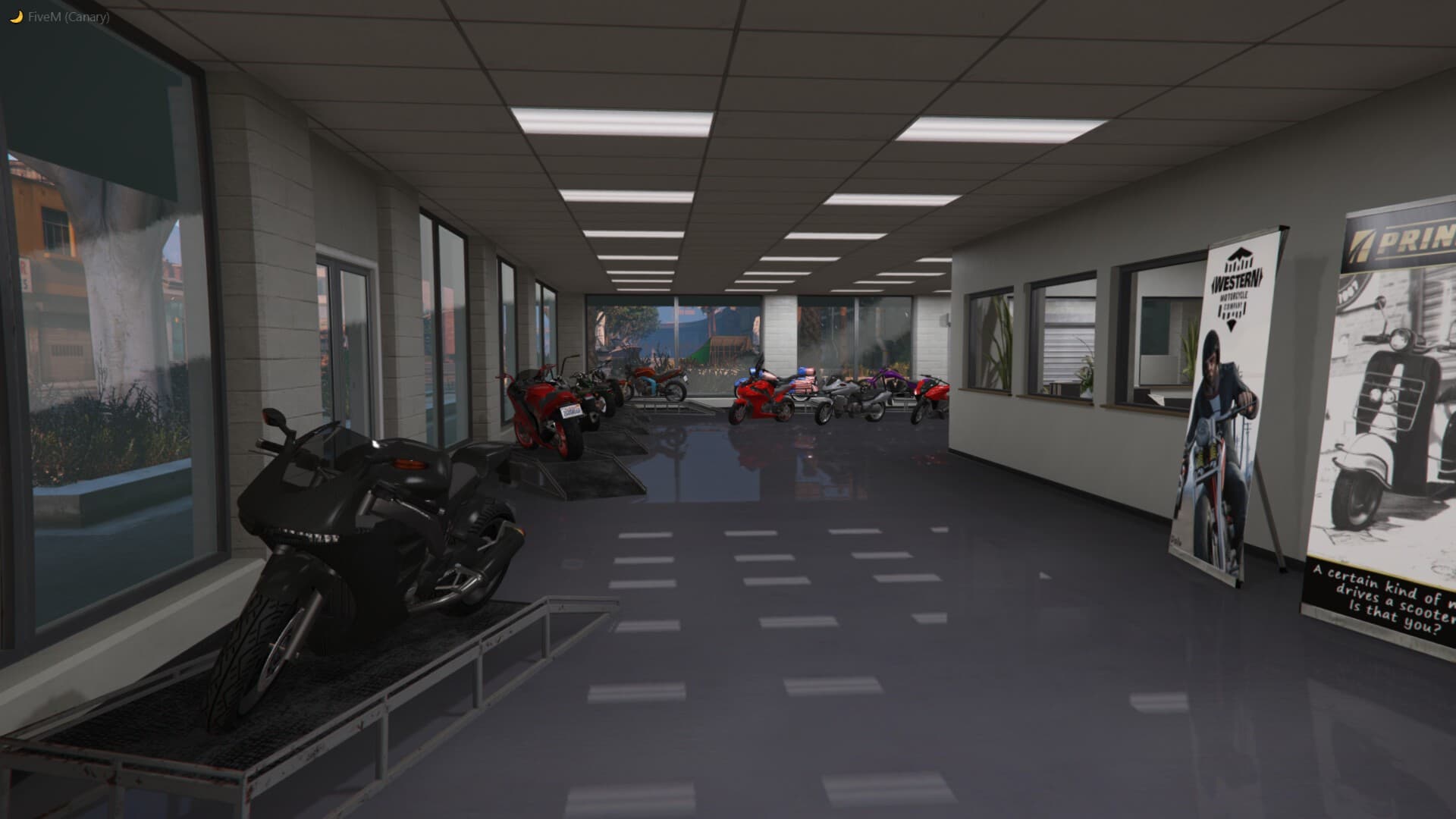
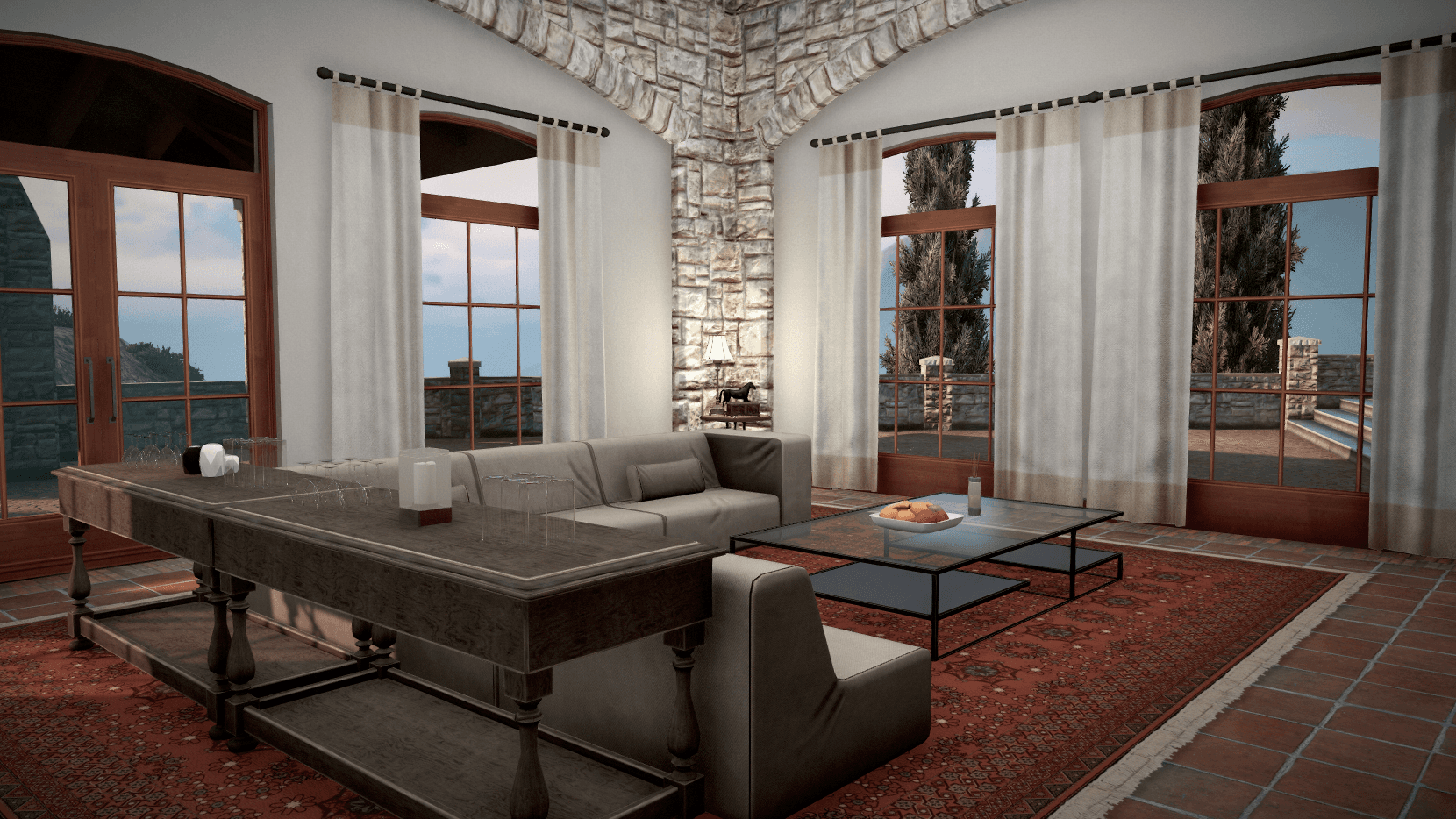
Maps that follow this exact install flow, delivered through Keymaster.
Next guide
Add maps without hurting server performance
Buying decision
Subscription vs standalone: the live numbers